Web Browsers
The purpose of a web browser (Chrome, Edge, Firefox, Safari) is to read HTML documents and display them correctly.
A browser does not display the HTML tags, but uses them to determine how to display the document:
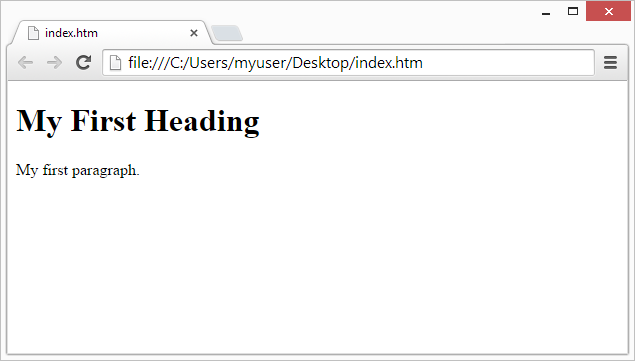
HTML Page Structure
Below is a visualization of an HTML page structure:
<html>
<head>
<title>Page title</title>
</head><body></body>
</html><h1>This is a heading</h1>
<p>This is a paragraph.</p>
<p>This is another paragraph.</p>
Note: Only the content inside the <body> section (the white area above) will be displayed in a browser.
HTML History
Since the early days of the World Wide Web, there have been many versions of HTML:
| Year | Version |
|---|---|
| 1989 | Tim Berners-Lee invented www |
| 1991 | Tim Berners-Lee invented HTML |
| 1993 | Dave Raggett drafted HTML+ |
| 1995 | HTML Working Group defined HTML 2.0 |
| 1997 | W3C Recommendation: HTML 3.2 |
| 1999 | W3C Recommendation: HTML 4.01 |
| 2000 | W3C Recommendation: XHTML 1.0 |
| 2008 | WHATWG HTML5 First Public Draft |
| 2012 | WHATWG HTML5 Living Standard |
| 2014 | W3C Recommendation: HTML5 |
| 2016 | W3C Candidate Recommendation: HTML 5.1 |
| 2017 | W3C Recommendation: HTML5.1 2nd Edition |
| 2017 | W3C Recommendation: HTML5.2 |
This tutorial follows the latest HTML5 standard